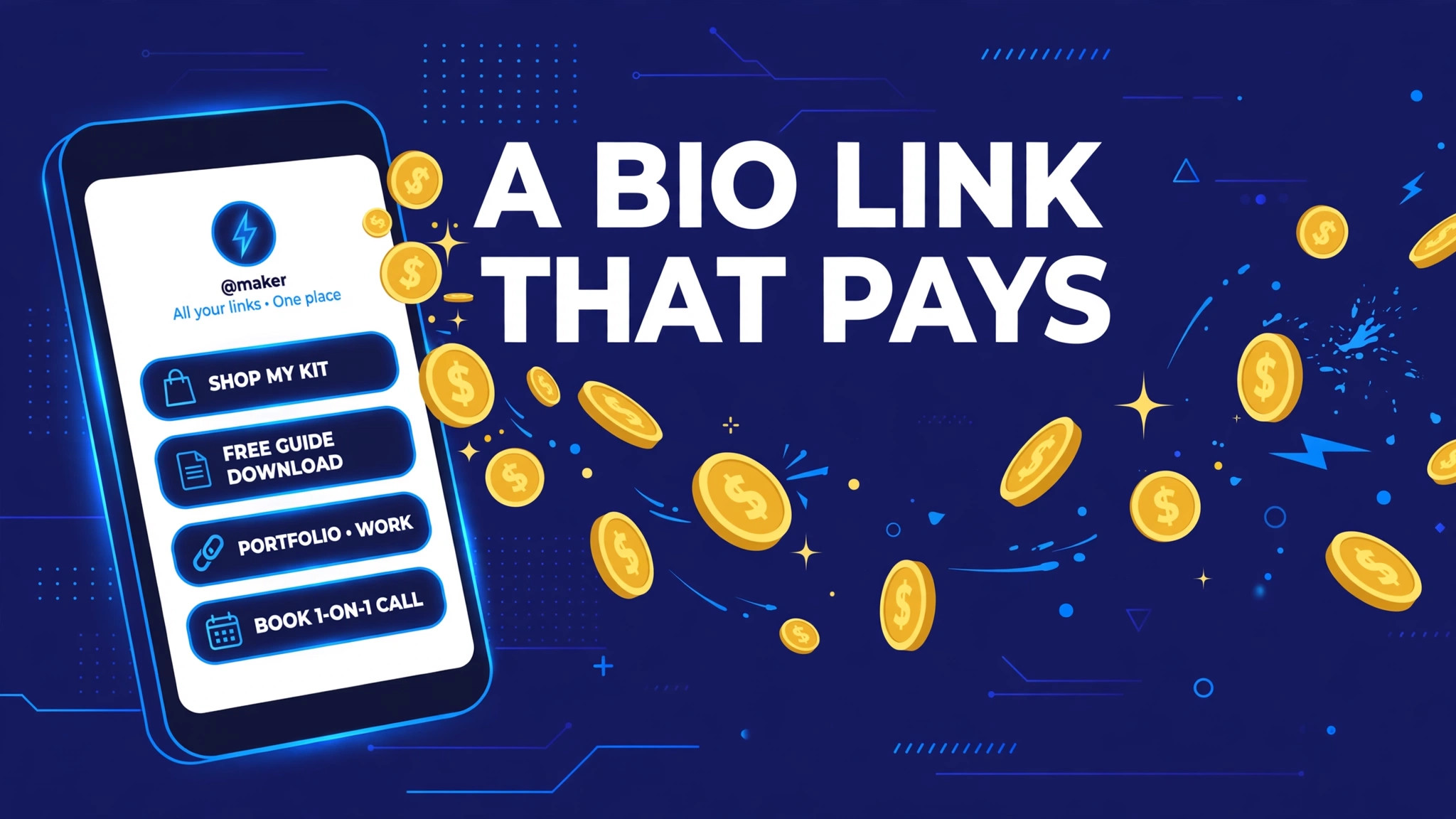
Your bio link is the hardest-working URL you own. Every follower who taps it is telling you "show me more" — and on a normal link-in-bio page, that tap earns you exactly nothing while the bio tool charges you a monthly fee for the privilege. A Shortun bio page flips that: one clean page with all your links, where the traffic you send it can pay you. Here is how it works and how to set one up that actually earns.
The one-link problem
Instagram, TikTok and X give you a single clickable bio link, but you have a channel, a shop, a latest video, a community and a sponsor page to share. Link-in-bio pages solve this with a simple menu page. The catch with the famous tools: they monetise you — subscriptions, locked features, their branding on your page — while your audience's taps generate value they keep.
Regular bio page vs. a bio page that pays
| Typical bio tools | Shortun bio page | |
|---|---|---|
| Cost | Free tier with limits; paid plans for basics | Free with your Shortun account |
| What a tap earns you | $0 | Links can route through your paid short links |
| Branding | Their logo on your page (free tier) | Your name, your avatar, Shortun design |
| View counter | Analytics on paid tiers | Built-in page view counter |
| Part of a bigger toolbox | Links only | Short links, QR codes, smart routing, A/B tests, referrals |
| Referral income | No | 20% of referrals' earnings, for life |
Set up your page in three minutes
- Create your free account and open Bio Page in the member menu.
- Pick your slug — shortun.com/bio/yourname — and add your display name and a one-line intro.
- Add up to 12 links. For any link you want to earn from, paste its Shortun short link; for the rest, link directly.
- Put the bio URL everywhere — Instagram, TikTok, X, YouTube's about section, your email signature.
What to put on the page (in this order)
1. Your newest thing
The latest video, post or release goes first — it is why most people tapped. Update it whenever you publish; it takes ten seconds.
2. Your best earner
The resource your audience loves most — a download, a guide, a tool — routed through a paid short link. Evergreen earners belong near the top.
3. Your community
Telegram channel, Discord or WhatsApp group. Community members become repeat visitors, and repeat visitors across days keep counting.
4. Your other platforms
Cross-link your channels so a follower on one platform finds you everywhere — audiences you own cannot be taken away by an algorithm change.
5. Your referral link
Add "Earn from your links too" pointing at your Shortun referral link. Creator audiences are full of future publishers — their earnings pay you 20%, for life.
Frequently asked questions
Do visitors have to see ads on my bio page itself?
No. The bio page itself is a clean menu. Earnings come from links you choose to route through Shortun short links, which show the standard short countdown before the destination.
How many links can I add?
Up to 12 — enough for everything that matters, few enough that visitors actually choose one. The page counts its own views so you can see what your bio traffic looks like.
Can I use my bio page with a custom domain strategy?
Yes — your bio page lives on shortun.com, and separately, members can request custom domains for their short links from the dashboard. The full toolbox is listed on the publisher tools page.
Pair it with the tactics in 10 places to share short links and your bio stops being a cost centre — it becomes one of your earners.